
WooCommerce Payment Nonce Missing Error Fixed for an Event Booking Store
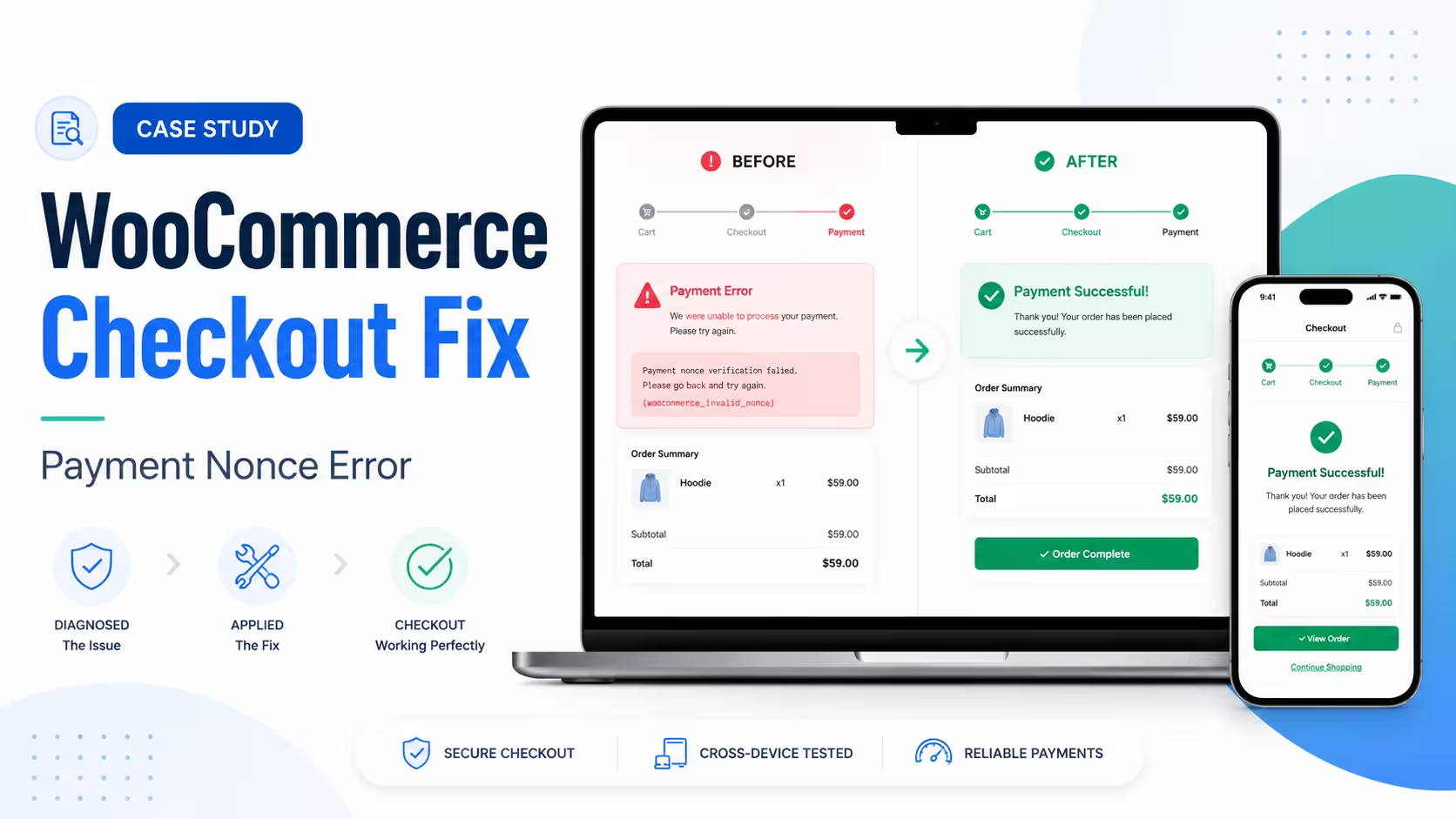
A checkout error hits revenue directly. The customer is ready to pay, and at the final step the payment fails. For this event booking store, customers were reaching checkout and being stopped by a payment error before they could complete their order. For a business that runs on bookings and deposits, that is the worst possible place for something to break, and it needed quick diagnosis with careful testing.
The error shown at checkout was:
Payment nonce is missing. An error occurred, please try again or try an alternate form of payment.The Store
The site was a WooCommerce event booking store where customers chose delivery dates, delivery times, pickup details, and payment options during checkout. The checkout carried several custom elements:
- Event delivery date and time fields
- Pickup date and time fields
- A deposit payment option
- Multiple payment gateways
- Custom delivery and shipping logic
- Custom checkout fields and order summary updates
With that many moving parts, a basic plugin update was never going to be enough. The payment flow had to be checked step by step.
The Challenge
Customers were seeing a “Payment nonce is missing” error at checkout. A payment nonce is a secure token that WooCommerce and the payment gateway use to confirm a payment request is valid. If that token is missing, expired, blocked, or never generated, the payment can fail before the order is completed. Here it was failing during checkout and stopping customers from paying.
Initial Findings
Reviewing the checkout, we found several plugins waiting on updates, including WooCommerce-related plugins and optimization tools. A number of areas needed investigation:
- WooCommerce plugin compatibility
- Payment gateway behaviour
- Square payment form and token generation
- PayPal checkout redirect
- Cache and JavaScript optimization
- Checkout field customizations
- Delivery and shipping logic
- Plugin conflicts affecting checkout submission
The custom event fields made this more than a payment-gateway question. We had to test the full order flow, not just the card form.
Our Approach
We started by checking the checkout behaviour and updating the relevant plugins safely. After the updates, the checkout page loaded correctly and the error was no longer appearing straight away on the checkout screen. We then worked through the flow properly, filling in the required customer, delivery, and event fields, and moved on to testing each payment gateway in turn.
PayPal redirected to its payment page as expected, which confirmed that WooCommerce was processing the order request and that the general checkout flow was working again. Square needed closer attention. A “payment nonce” error is often tied to the gateway’s card form script, and Square needs its checkout JavaScript to load properly so it can generate the secure token before the order is submitted.
Key Technical Areas Checked
Plugin updates and compatibility
Outdated plugins cause checkout problems when WooCommerce, the payment gateways, and the checkout-related plugins are not on compatible versions. We updated the relevant plugins and checked whether the checkout behaviour improved afterwards.
Payment gateway testing
We tested PayPal and Square separately. That separation was the key move, because it showed whether the fault was in the whole checkout or only in one gateway.
Cache and JavaScript optimization
WooCommerce checkout pages should not be aggressively cached or held up by delayed JavaScript. We reviewed the usual suspects:
- JavaScript minification
- JavaScript delay and defer settings
- Checkout page caching
- Stale checkout fragments
- Payment gateway scripts being blocked or delayed
These are common sources of payment token and nonce errors.
Square connection and permissions
We also found a Square connection warning, showing that the Square connection did not have all the permissions required for certain features. That pointed to the Square integration needing further review, including reconnecting the Square account if necessary.
Checkout customization review
The store used custom fields and delivery logic at checkout. These can interfere with WooCommerce’s checkout refresh process or with the gateway scripts. We went through the flow carefully to make sure the custom fields were not blocking payment processing.
The Solution
The fix came from a combination of WooCommerce troubleshooting steps:
- Updated the relevant WooCommerce and checkout-related plugins.
- Re-tested the full checkout flow.
- Verified that checkout fields were loading and submitting correctly.
- Confirmed PayPal redirect behaviour.
- Checked Square-specific payment behaviour.
- Reviewed cache and JavaScript optimization risks.
- Identified the Square connection permission warning.
- Narrowed the issue from a general checkout failure to gateway-specific behaviour.
That process separated the general WooCommerce checkout problem from the issues specific to one payment gateway.
Result
After the updates and testing, the checkout flow improved and PayPal redirected to the payment page successfully. That confirmed the checkout was no longer fully blocked by the original nonce error. From there, the issue narrowed to Square-specific token generation and Square connection behaviour, which let the next troubleshooting steps focus directly on the Square gateway rather than the whole checkout system.
Why This Matters
Checkout errors are not only technical problems. They lead straight to abandoned orders, lost revenue, and frustrated customers. For WooCommerce stores, and especially service-based or booking-based businesses, checkout reliability is critical, and a small gateway or JavaScript issue can stop a customer at the final step. We have seen the same pattern in another checkout failure we traced to an .htaccess rewrite rather than the gateway itself, which is exactly why these problems deserve careful diagnosis instead of random fixes.
Key Takeaways
- Payment nonce errors often come from gateway scripts, cache, or checkout conflicts.
- Updating plugins can help, but the checkout still has to be tested after the update.
- PayPal and Square should be tested separately, since one gateway can work while another fails.
- WooCommerce checkout pages should be excluded from aggressive cache and JavaScript delay.
- Custom checkout fields, deposit logic, and delivery rules can all affect the payment flow.
- Testing should cover desktop, mobile, incognito mode, and a full checkout submission.
Final Thoughts
This case was a good example of a WooCommerce checkout issue that looks simple on the surface but has several possible causes behind it. By checking plugin compatibility, gateway behaviour, checkout scripts, custom fields, and cache settings, we narrowed the problem down and restored progress in the payment flow. For any WooCommerce store, checkout issues are urgent, because they hit customer trust and sales directly.
Related case studies
Contact Form Not Sending Email: The Outage That Reported Itself as Successful
Their inquiry form had stopped emailing them. Leads were still landing in the database, but nothing reached anyone's inbox, and every delivery record reported success. The send log showed PHP's mail() returning true on roughly 1,800 submissions, including the client's own failed test. Here's what was actually happening between the web server and the inbox, and how we rebuilt delivery before lunch.
Read articleThree Backdoors, Zero Alerts: Finding WordPress Malware a Security Plugin Missed
Booking forms failed, the page builder would not load, and the error log showed nothing. The site's security plugin reported no problems. Verifying every file against its official source found three backdoor files, each written specifically to survive the scan that had already cleared the site.
Read articleWordPress Site Loading Without CSS, JavaScript, or Images: A File Permission Fix
A WordPress website can look completely broken while its pages, database, and admin area are all still working. This site was loading as mostly unformatted HTML: the layout gone, images broken, navigation reduced to plain links, and parts of the dashboard unstyled. The cause was not malware, and not a failed update. It was a […]
Read article