
Elementor Hamburger Menu Not Working: A JavaScript Console Error Case Study
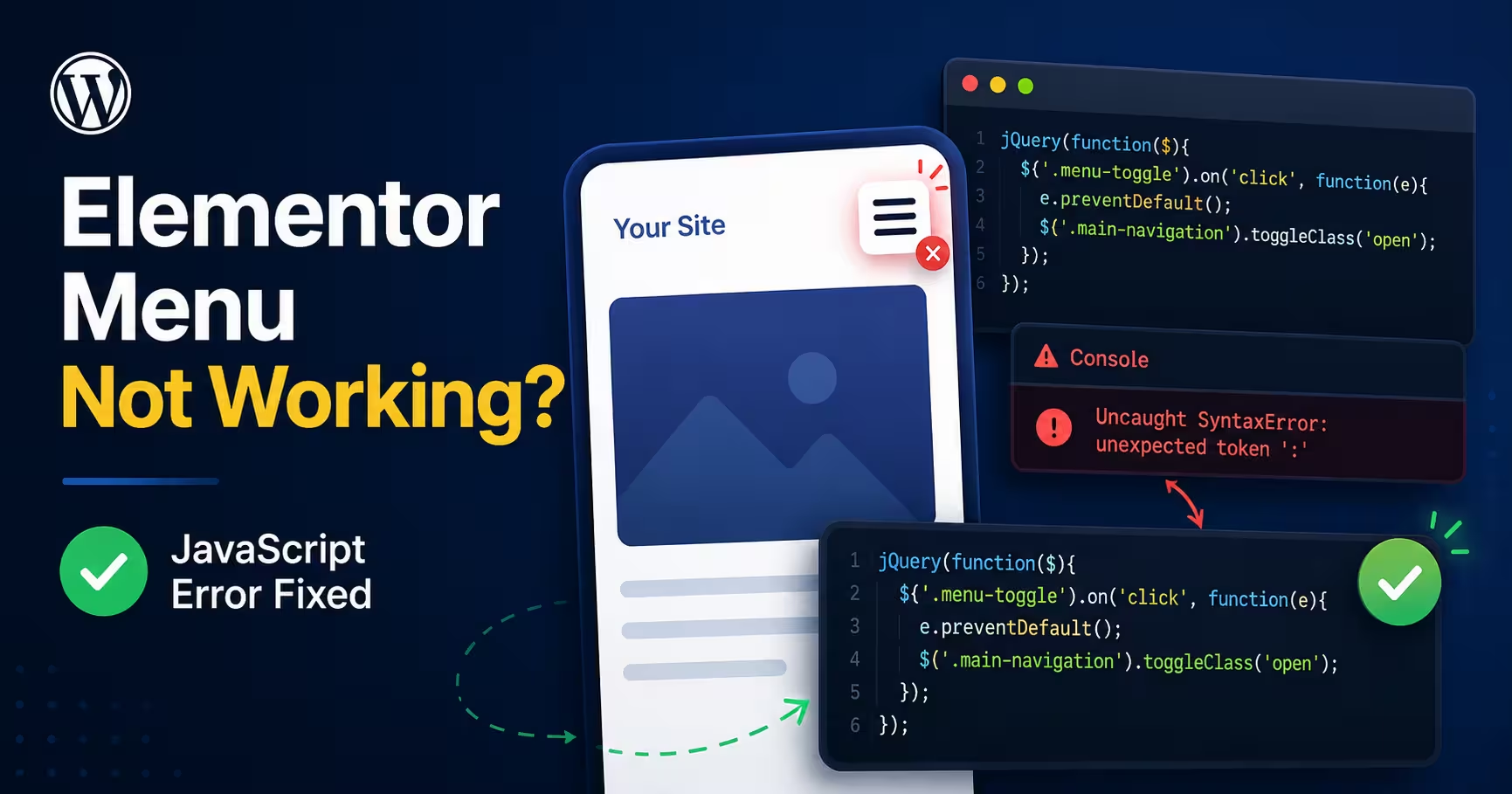
A broken hamburger menu is a real usability problem on mobile. The navigation is visible, the user taps it, and nothing happens. This client’s WordPress site had exactly that issue. At first it looked like a typical Elementor or caching glitch, but the browser console told a different story. A single JavaScript syntax error from an unrelated plugin was quietly breaking every interactive element on the page.
The Problem
The site was built on WordPress and Elementor with several Elementor-related plugins. On mobile, the hamburger menu would not open. That symptom can come from a number of unrelated causes, which is part of what makes it tricky to diagnose:
- Plugin conflict
- JavaScript error
- Cache or minification issue
- Elementor asset loading problem
- Theme compatibility issue
- Mixed content or blocked resources
The browser console showed a mix of warnings and errors at first. After we disabled Google Fonts and cleared up some loading noise, one error remained, and it was the important one:
Uncaught SyntaxError: unexpected token: ':'This matters because a JavaScript syntax error does not stay contained. It can stop other interactive parts of the page from running. Mobile menus, sliders, popups, tabs, and Elementor widgets all depend on JavaScript executing cleanly.
The Main Finding
Checking the page source pointed straight at the line causing the trouble:
<script type="text/javascript">
var elementskit_module_parallax_url = https://example.com/wp-content/plugins/elementskit/modules/parallax/;
</script>
The URL was printed directly, with no quotation marks around it. In JavaScript, a URL has to be stored as a string. Without quotes, the browser reads https: as invalid syntax, and that is what creates the console error.
The correct output should look like this:
<script type="text/javascript">
var elementskit_module_parallax_url = "https://example.com/wp-content/plugins/elementskit/modules/parallax/";
</script>
Why This Broke the Hamburger Menu
The hamburger menu relies on JavaScript to open and close the mobile navigation. When the browser hits a syntax error, it can stop executing the current script and affect scripts that load after it. So even though the menu was designed and laid out correctly, the click handler never ran. The JavaScript environment was already broken before it got there.
This is why a visual builder like Elementor can show a perfect layout while the live site has broken functionality. The design and the runtime are two different things.
Debugging Approach
We worked through the issue in order, from symptom to root cause:
- Reproduced the mobile menu behaviour.
- Opened the browser console to identify JavaScript errors.
- Disabled Google Fonts and mixed-content issues to reduce noise.
- Isolated the remaining JavaScript syntax error.
- Checked the page source to locate the incorrect script output.
- Identified the plugin variable causing the problem.
- Planned a safe fix without editing plugin core files.
Recommended Fix
The safest fix is not to edit the plugin files directly. A plugin update will overwrite the change and the bug comes straight back. Instead, we check the layers that can produce or correct the bad output:
- Whether Elementor and ElementsKit are fully updated.
- Whether the issue is coming from a plugin setting.
- Whether a cache or minification plugin is altering the script output.
- Whether a custom snippet or theme function is printing the URL incorrectly.
- Whether the feature behind it, parallax in this case, can simply be disabled if it is not used.
If a patch is still needed, it goes into a child theme or a small custom functionality plugin, never the plugin core.
Result
Once the invalid JavaScript output is corrected, the fix is tested across mobile, tablet, and desktop. The expected outcome:
- ✅ Hamburger menu opens correctly
- ✅ Console syntax error is gone
- ✅ Elementor widgets work normally
- ✅ No plugin core file edited directly
- ✅ Site stays safe for future updates
Key Lesson
A broken Elementor hamburger menu often has nothing to do with the menu widget itself. One small JavaScript syntax error from an unrelated plugin can take down every interactive element on the page. Checking the browser console first is one of the fastest ways to find the real cause of a WordPress frontend issue, instead of guessing at fixes.
Need help fixing a WordPress menu issue?
If your Elementor hamburger menu, mobile navigation, popup, slider, or interactive section has stopped working, Webnorly can debug and fix it safely. We check JavaScript errors, plugin conflicts, Elementor settings, cache behaviour, and theme compatibility to find the real cause, not a random patch that breaks on the next update.
Related case studies
Contact Form Not Sending Email: The Outage That Reported Itself as Successful
Their inquiry form had stopped emailing them. Leads were still landing in the database, but nothing reached anyone's inbox, and every delivery record reported success. The send log showed PHP's mail() returning true on roughly 1,800 submissions, including the client's own failed test. Here's what was actually happening between the web server and the inbox, and how we rebuilt delivery before lunch.
Read articleThree Backdoors, Zero Alerts: Finding WordPress Malware a Security Plugin Missed
Booking forms failed, the page builder would not load, and the error log showed nothing. The site's security plugin reported no problems. Verifying every file against its official source found three backdoor files, each written specifically to survive the scan that had already cleared the site.
Read articleWordPress Site Loading Without CSS, JavaScript, or Images: A File Permission Fix
A WordPress website can look completely broken while its pages, database, and admin area are all still working. This site was loading as mostly unformatted HTML: the layout gone, images broken, navigation reduced to plain links, and parts of the dashboard unstyled. The cause was not malware, and not a failed update. It was a […]
Read article